

Customer Credentials
Generate and manage customer credentials for API access
Go directly to Fuzebox > Configuration > Customers
Customer credentials control access to your specific transactional data and can be used with any application that has access to the Volt API.
Note
The ability for you to see this information is based on your permissions. If you do not see the "API Access" tab then please email your Volt contact to have your permissions updated.
Generating credentials
Once you've logged into Fuzebox, select Configuration in the left navigation menu, then select Customers to see a list of customers that are assigned to you. If you are an SMB merchant you may note only one customer in your hierarchy.
Select the customer and go to API Access tab. If you have not generated your credentials before and it is the first time you are doing so in Production environment then you will get the screen displayed below:
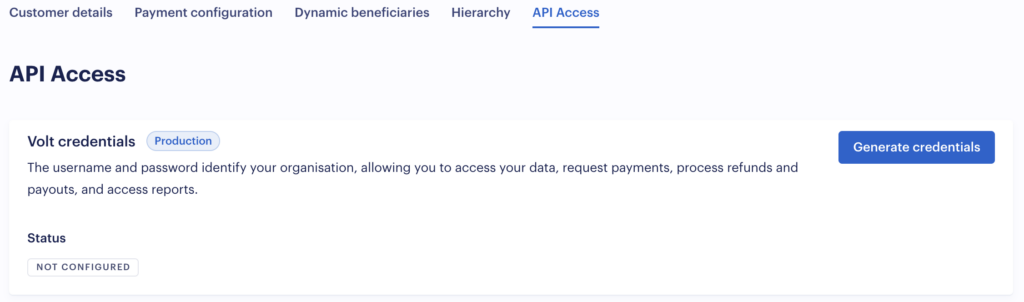
Click on the Generate credentials button to generate and display a new username and password. You should copy the username and password from here and securely store them, as the password will be encrypted once you close this window.
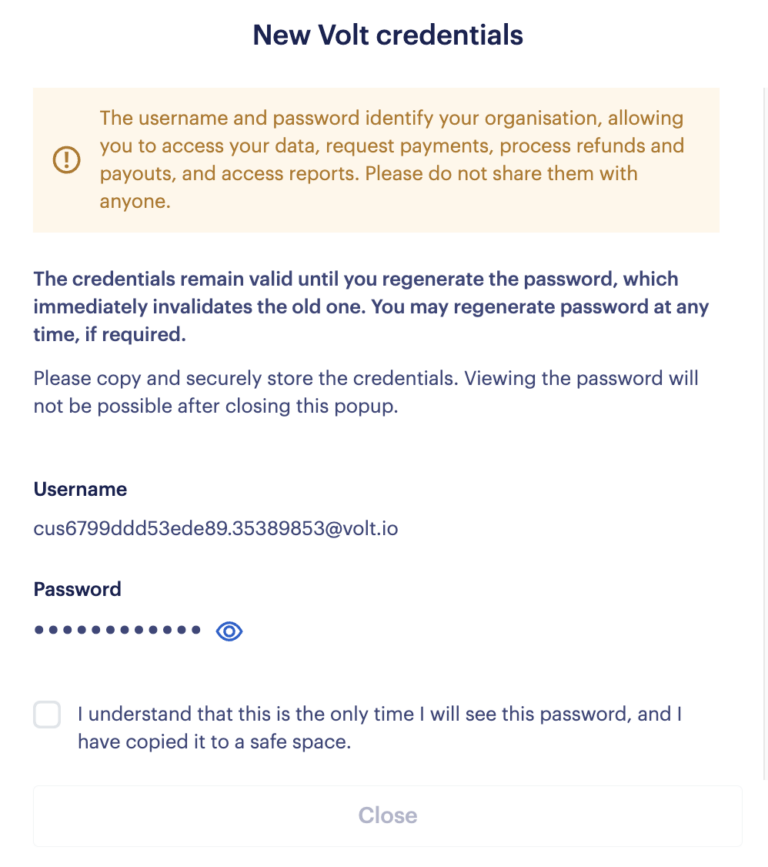
Regenerating credentials
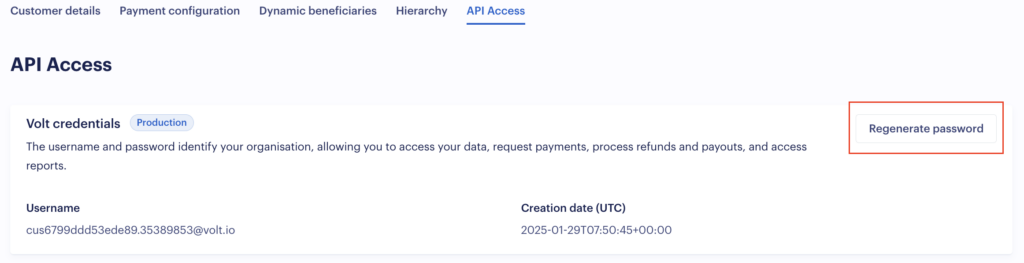
Your username cannot be changed, but if you ever need to change your password, click on the Regenerate password button.
How is this guide?
Last updated on